Telemedicine: Schedule your sessions in one place
July 13, 2021
NextPointe Integration with Salesforce
November 2, 2021
With Cisco Finesse®, NextPointe helps businesses and organizations to deliver an Enhanced Contact Center Experience, enabling you to provide rich journeys across time and channels for your customers.
Cisco Finesse® is a browser-based desktop for easy management and upgrades, designed to empower agents and supervisors via a user-centered design product.
Flexible and expandable, Finesse® is a web gadget container and hosts all applications that agents need (Cisco® or third party).
The Cisco Finesse® desktop is the agent and supervisor desktop for NextPointe Contact solution, providing easy access to the applications and information your customer service or sales representatives needs through a customizable web-based interface.
The customer service or sales group in your business or organization can handle thousands of inquiries from customers and prospects every day. Your organization needs to respond quickly and efficiently with the information that customers or prospects request. When responding, representatives constantly need to switch between applications to search for information. This process takes time—time that your customers or prospects spend waiting.
The Cisco Finesse® desktop provides a single, customizable cockpit that enables your Contact Center team to use multiple assets and information sources to assist customers and prospects.
Features
- Intuitive User experience refresh for agents and supervisors: The enhanced user experience would assist in making agents more productive and empowers supervisors. Administrators define agent and supervisor layouts.
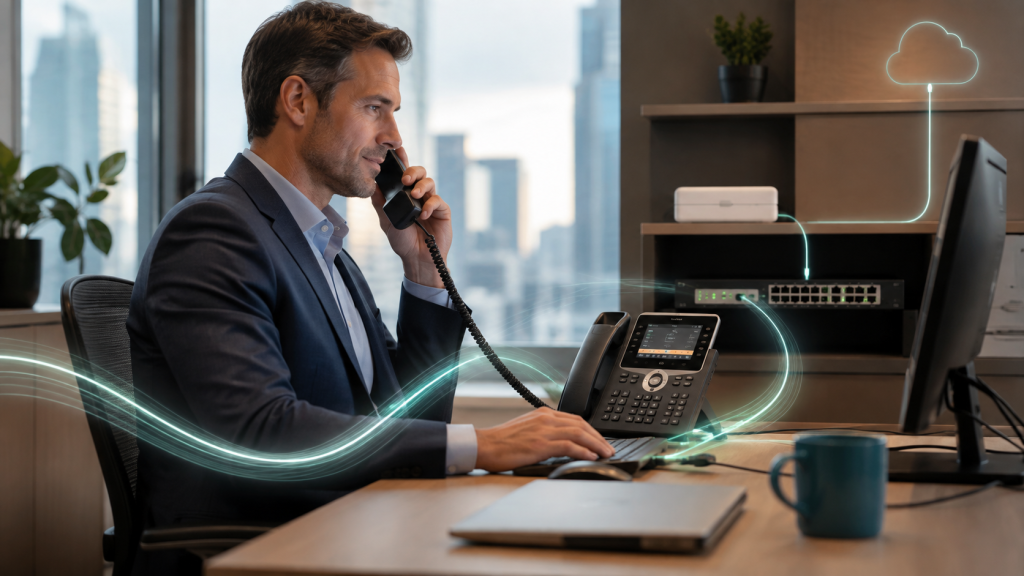
- Work with both IP Phones and Softphones. Agents can log from the office and from home by having the ability to switch from the office phone to the home softphone at their computer or smartphone.
- Desktop chat: Agents can chat with other agents and supervisors, and experts outside the contact center. It also enables supervisors to provide guidance or coach agents via a chat session.
- Direct transfer: An agent can transfer the call to another agent without a consult call.
- Queue details in call variable layout and workflow: Administrators can configure queue details in call variable layout and workflow. Depending on the configuration, the agents can view queue details in call variable layout and browser pop.
- Silent monitor manual outbound call: A supervisor can use silent monitor mode while the agent makes a manual outbound call from an ACD line.
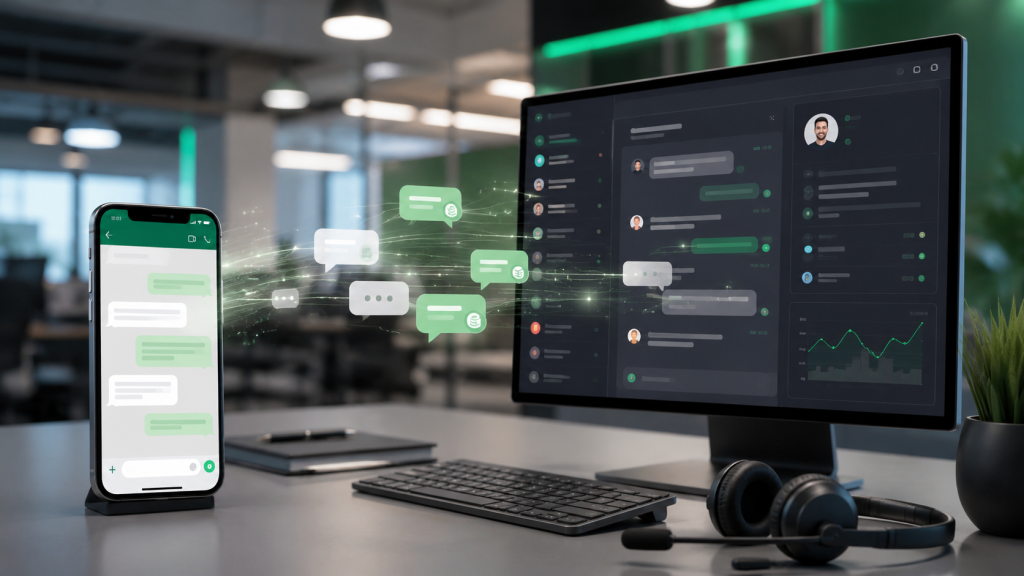
- Chat Integration: You can have total control of your chat operations by integrating your Webchat, Whatsapp, Facebook, SMS, and more to Cisco Finesse.
- Agent call history and agent state history: Desktop gadgets based on live data provide new reports on agent call history and agent state history.
- Agents can view their recent state and call history details in the Cisco Finesse gadgets.
- Agents can make an outgoing call to the listed phone numbers in the call history.
- Supervisors can view the current state and call history of an agent in the team performance gadget.
A fast, efficient, and accurate service results in happy, satisfied, and loyal customers who will return to do business with you again. And it saves operational costs for your business.
If you want to boost your Contact Center, contact us today:
Phone: 1-833-NXP-VoIP (697-8647)
E-mail: sales@nextpointe.com