Mastering Service Level Agreements (SLAs): Your Ultimate Guide to Ensuring Commitment and Satisfaction in Business Partnerships
April 14, 2025
Maximize Efficiency: The Ultimate Guide to Call Center Integrations for Seamless Customer Experience
April 17, 2025
In our digital world, security matters most.
User authentication stands as a gatekeeper.
It protects data and systems.
It allows only the proper user to enter.
This guide shows common methods, details strengths and flaws, and lists best practices.
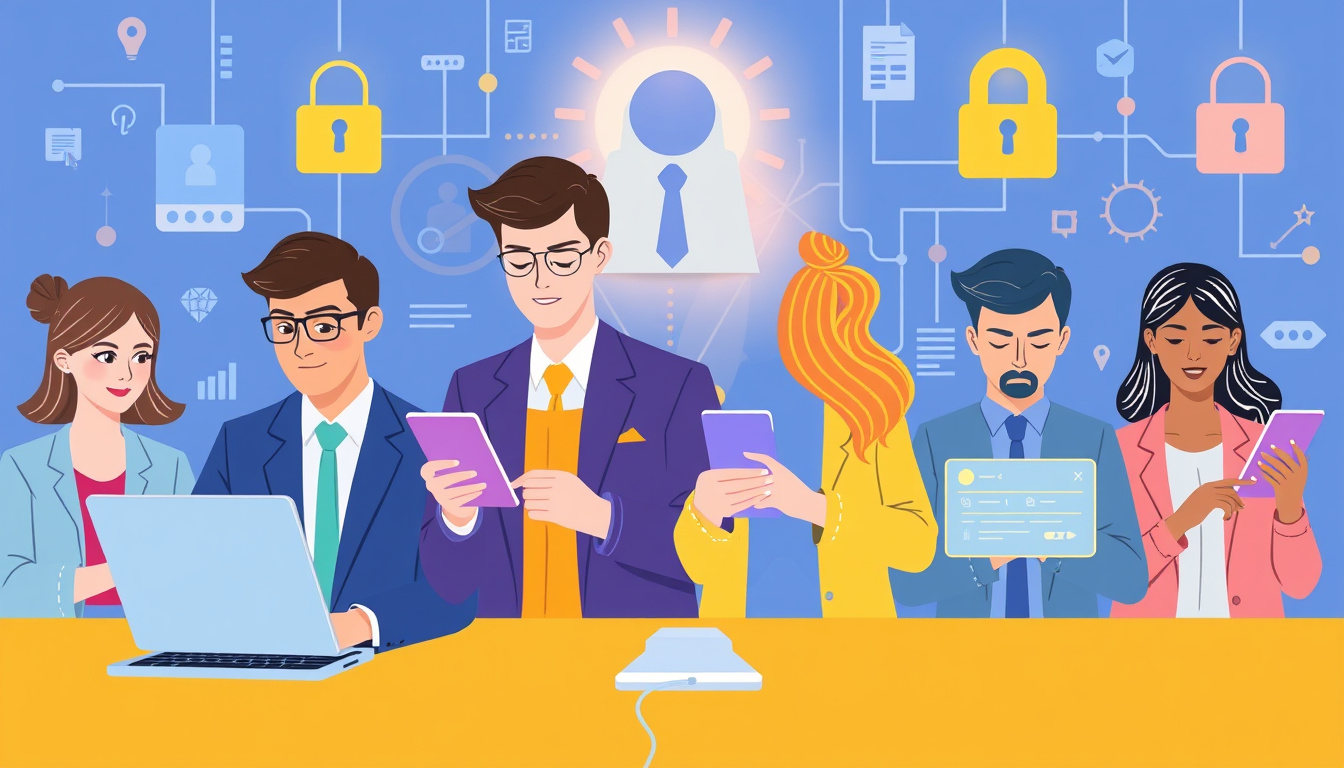
Why User Authentication is Important
User authentication starts access control.
It confirms a user’s identity.
It blocks unwanted entry.
It defends against breaches and cyber attacks.
Strong methods enforce the rule of least privilege.
They give each user only the access they need.
Types of User Authentication Methods
User authentication depends on three factors:
-
Knowledge Factors –
The user knows a secret, like a password or PIN. -
Possession Factors –
The user holds something, such as a smartphone or token. -
Inherence Factors –
The user shows who they are, like a fingerprint or face.
1. Password-based Authentication
Users log in with a username and a password.
The method is simple and common.
Yet, weak passwords and reuse create risks.
Phishing tricks can steal them.
Enforce strong, complex words and update them often.
2. Two-Factor Authentication (2FA) and Multi-Factor Authentication (MFA)
2FA adds one extra check past the password.
MFA allows several extra checks.
These checks include biometrics and one-time mobile codes.
Each extra factor forms a strong bond of security.
3. Biometric Authentication
Biometrics use fingerprints, faces, or iris scans.
They tie identity to a unique physical trait.
They need advanced tools and raise privacy issues.
Modern phones and laptops now include these features.
4. Single Sign-On (SSO)
SSO gives access to many apps with one login.
It eases the user journey and cuts down on password overload.
Yet if one SSO key breaks, many systems open up.
5. Token-based Authentication
Tokens come as a physical device or a software key.
They prove user identity without a password.
They join well with MFA in an extra layer of trust.
Users must guard these tokens well.
6. Certificate-based Authentication
This method uses digital certificates.
It relies on a public key setup.
It works well for short-term access.
Yet, it brings cost and complexity in handling keys.
Authentication Protocols
The scheme you choose rests on good protocols.
Protocols work as rules that bind words and ideas.
Common ones include:
- Lightweight Directory Access Protocol (LDAP)
- SAML (Security Assertion Markup Language)
- OAuth and OpenID Connect (OIDC)
- Extensible Authentication Protocol (EAP)
- Challenge Handshake Authentication Protocol (CHAP)
Each protocol links methods to robust practice.
Best Practices for Implementing User Authentication
-
Implement Multi-Factor Authentication:
Add extra checks with 2FA or MFA. -
Adopt Passwordless Solutions:
Use biometrics or token keys to ditch weak passwords. -
Regularly Update Authentication Methods:
Keep up with standards and check your methods. -
Train Users on Security Awareness:
Show every user why and how to keep their info safe. -
Monitor Authentication Attempts:
Log and watch over every access to spot danger early. -
Consider User Experience:
Merge strong security with ease so users comply.
Conclusion
User authentication stands as a core guard for digital data.
Each method links identity to access with precise bonds.
By knowing these methods and best practices, organizations cut risks.
Strong user checks build trust, meet rules, and secure systems.
NextPointe is a Boutique Business VoIP Service Provider based in South Florida. We offer our services in Miami, Broward, West Palm Beach, the Caribbean, and the rest of the country. Why do we provide a better solution than other hosted VoIP competitors? First, our platform is based on the Cisco Unified Call Manager; this is the platform of choice of most Fortune 500 companies; our customers are getting a mature, reliable, and feature-rich platform. Most providers use a generic open-source-based soft-switch mainly focused on a multi-tenant portal and supports various IP Phones. Second, we only offer Cisco IP Phones with our service that are designed and tested to work with the Cisco Unified Call Manager, meaning we will have very few compatibility issues and a ton of telephony features compared to our competitors who want to support any phone brand in the market; plus Cisco IP Phones are vastly superior in quality compared to any competitor at about the same price. And last but not least, we offer tailored support to our customers, think like having a “telecom department” for your organization. This is the most crucial feature of our service; we don’t send you to a generic portal for you to figure out the changes or send you to an outsourced call center in India. You call, email, or IM our team, and we will make the changes for you and take the managing of the Phone Service out of your back so you can focus on your business.