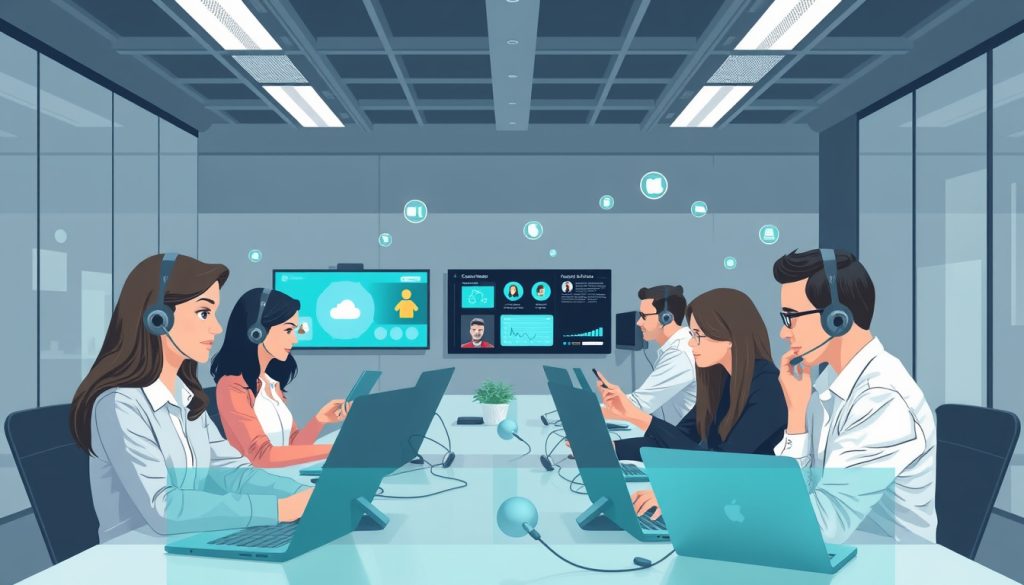
Cloud PBX Solutions: Transforming Business Communication Efficiency
August 17, 2025
Unlock Seamless Communication: Elevate Your Microsoft Teams with Telephony Solutions
August 20, 2025
Meetings are a crucial part of any successful strategy. As organizations strive for efficiency and collaboration, the importance of the tools we use to communicate cannot be overstated. One technology that has been making waves in the realm of virtual communication is Webex Calling, particularly its innovative AI Audio features, including advanced noise-cancelling capabilities. This article will explore how Webex Calling can transform your meetings, enhance audio clarity, and deliver a seamless communication experience through cutting-edge AI technology. Join us as we dive into the benefits of these features and share best practices for maximizing the potential of Webex Calling.

Key Takeaways
- Webex Calling integrates advanced AI audio technology to enhance meeting experiences.
- AI-powered noise cancelling dramatically reduces background distractions in calls.
- Utilizing Webex Calling features can lead to more productive and focused meetings.
- Companies adopting Webex Calling benefit from improved communication and collaboration.
- Best practices for Webex Calling include optimizing settings and environment to leverage AI capabilities.
Understanding Webex Calling and AI Audio Technology
Effective communication is more important than ever, and that’s where Webex Calling and AI Audio technology come into play. Webex Calling is a cloud-based telephony service that allows teams to connect seamlessly via voice and video, regardless of where they are located. One of the standout features of Webex Calling is its integration of AI Audio, specifically advanced noise cancelling capabilities. This technology utilizes sophisticated algorithms to filter out background noise, ensuring that conversations remain clear and uninterrupted. By eliminating distractions often caused by noisy environments, such as bustling offices or busy homes, Webex Calling enhances the overall communication experience. This means that during crucial meetings or discussions, users can focus on the conversation without the annoyance of echo or ambient sounds. In a world that thrives on clear and effective communication, incorporating AI Audio into Webex Calling represents a significant advancement in how we connect and collaborate.
Benefits of AI-Powered Noise Cancelling in Meetings
In the modern workplace, clear communication is paramount, especially during virtual meetings. One of the most significant advancements enhancing these interactions is Webex Calling & AI Audio (noise cancelling) technology. This innovative feature utilizes artificial intelligence to intelligently filter out background noise, allowing participants to focus on the conversation without distractions. The benefits of implementing AI-powered noise cancelling in meetings are extensive. Firstly, it significantly improves audio quality, making discussions more intelligible, which is crucial in maintaining effective dialogue and collaboration. Secondly, it fosters a more professional environment by eliminating disruptive noises, such as typing or office chatter, leading to increased productivity and engagement. Additionally, AI Audio can adapt to different sound profiles, ensuring that whether you’re in a bustling office or a quiet home workspace, your voice remains clear. This technology not only enhances the user experience but also makes Webex a powerful tool for teams looking to optimize virtual communication.
‘The way we communicate with others and with ourselves ultimately determines the quality of our lives.’ – Tony Robbins

Best Practices for Maximizing Webex Calling Features
To fully leverage the benefits of Webex Calling & AI Audio, it’s essential to implement best practices that enhance the user experience and improve communication efficiency. Start by familiarizing yourself with the settings available in Webex Calling; this includes enabling the AI Audio noise cancelling feature, which significantly reduces background noise during calls, ensuring clearer conversations. Another best practice is to encourage team members to use headsets instead of built-in device microphones, as this can further enhance audio clarity. Additionally, conducting regular training sessions on utilizing Webex Calling features, such as call recording and integration with other productivity tools, can maximize the platform’s capabilities. Lastly, make sure to evaluate and fine-tune your internet connection, as a stable and fast connection is vital for seamless communications in Webex Calling. By adopting these practices, organizations can improve their remote communication and foster a collaborative work environment.
NextPointe is a Boutique Business VoIP Service Provider based in South Florida. We offer our services in Miami, Broward, West Palm Beach, the Caribbean, and the rest of the country.