Mastering Call Queue Management in Webex: Boost Your Team’s Efficiency Today!
November 28, 2025
Elevate Your Communication: Unlocking the Power of Receptionist Console in Webex
November 30, 2025
In today’s fast-paced business environment, maintaining efficiency in communication is crucial for success, especially for small and medium-sized businesses in sectors like legal, healthcare, and managed services. Cisco Webex’s Auto Attendant features are designed to streamline call management, ensuring that your team connects with clients quickly and effectively. This article will guide you through the essentials of Webex Auto Attendant, its benefits, how to set it up and customize it for your needs, and best practices to maximize its potential in your office. Let’s dive in!

Key Takeaways
- Webex Auto Attendant streamlines call management for a more organized office environment.
- Implementing auto attendant features enhances communication efficiency among team members and clients.
- Customizing your Webex Auto Attendant can improve customer interaction and satisfaction.
- Utilizing best practices ensures that the auto attendant functions optimally in meeting business needs.
- Understanding the benefits of Webex Auto Attendant can lead to better resource allocation and time management.
Understanding Webex Auto Attendant Features
Webex Auto Attendant is a powerful feature designed to streamline call handling for businesses, particularly beneficial for small and medium-sized enterprises (SMBs) in sectors like legal and healthcare. With Webex Auto Attendant, organizations can customize greetings, set up multiple call routing options, and manage incoming calls efficiently without needing extensive manual intervention. This feature allows callers to navigate your phone system using a series of prompts, ensuring they reach the right department or person quickly. Additionally, it enhances the professional image of your business by providing a polished and organized call management system. Understanding and leveraging these features can significantly improve client interaction and overall operational efficiency.
Benefits of Using Auto Attendant in Your Office
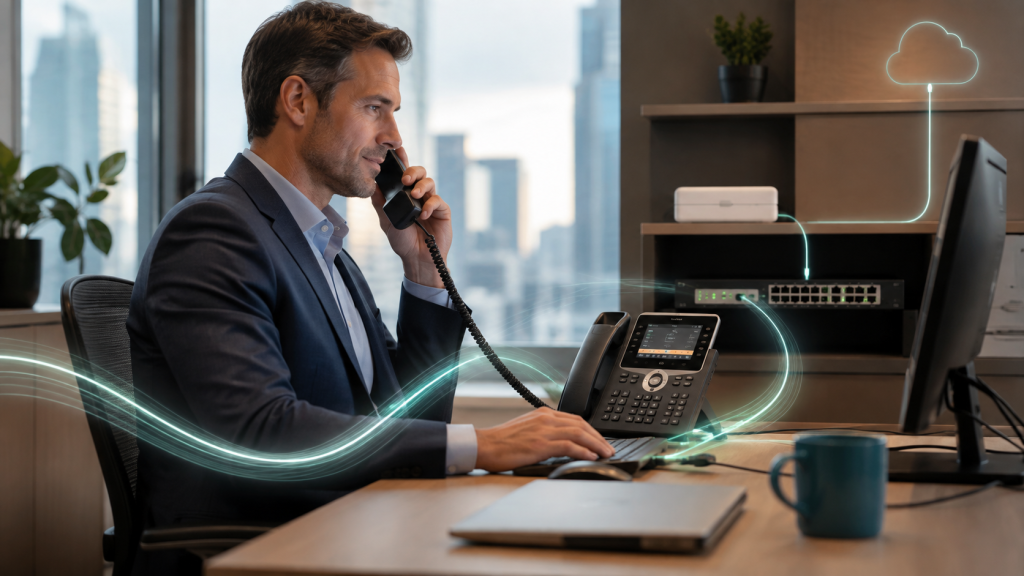
Implementing an auto attendant with Webex Calling can significantly enhance the efficiency of your office communications. This feature allows incoming calls to be automatically routed to the appropriate department or individual without needing a live receptionist, saving both time and resources. With customized greetings and menu options, callers can easily navigate to the information or support they need, improving customer satisfaction. Moreover, the auto attendant operates 24/7, ensuring that your business remains accessible outside of regular office hours. This not only reduces missed calls but also contributes to a more streamlined workflow, allowing your team to focus on core tasks instead of managing call traffic.
‘Efficiency is doing better what is already being done.’ – Peter Drucker

Setting Up and Customizing Webex Auto Attendant
Setting up and customizing the Auto Attendant feature in Webex is essential for streamlining your organization’s call management. To get started, log into your Webex Calling admin portal and navigate to the Auto Attendant settings. Here, you can create a new Auto Attendant, assign a name, and designate a phone number. Customize the greeting messages—these can be recorded or uploaded—and set up the menu options that will guide callers to the appropriate department or employee. Additionally, you can configure business hours and after-hours settings to ensure calls are directed accordingly. Testing the setup with internal calls is advisable to ensure everything functions smoothly before launching the feature to clients. Following this process helps ensure a professional experience and enhances communication efficiency for your business.
Best Practices for Maximizing Efficiency with Auto Attendant
To maximize efficiency with the Auto Attendant feature in Webex, start by carefully designing your menu options to align with your business workflow and customer needs. Clearly label each option to avoid confusion, and consider setting up submenus for more complex service offerings. Regularly review and update your scripts and greetings to reflect current promotions or changes in business hours. Additionally, the ability to integrate your Auto Attendant with your CRM or customer database can enhance the caller experience by providing personalized responses. Lastly, monitor call analytics to assess usage patterns and make adjustments that streamline the caller journey, ensuring faster resolution times and improved satisfaction.