Unlocking the Power of Multi-Site Webex Calling: Streamline Your Communication Across Locations
November 24, 2025
Unlocking E911 for Webex Calling: Ensure Safety and Compliance in Your Communication
November 26, 2025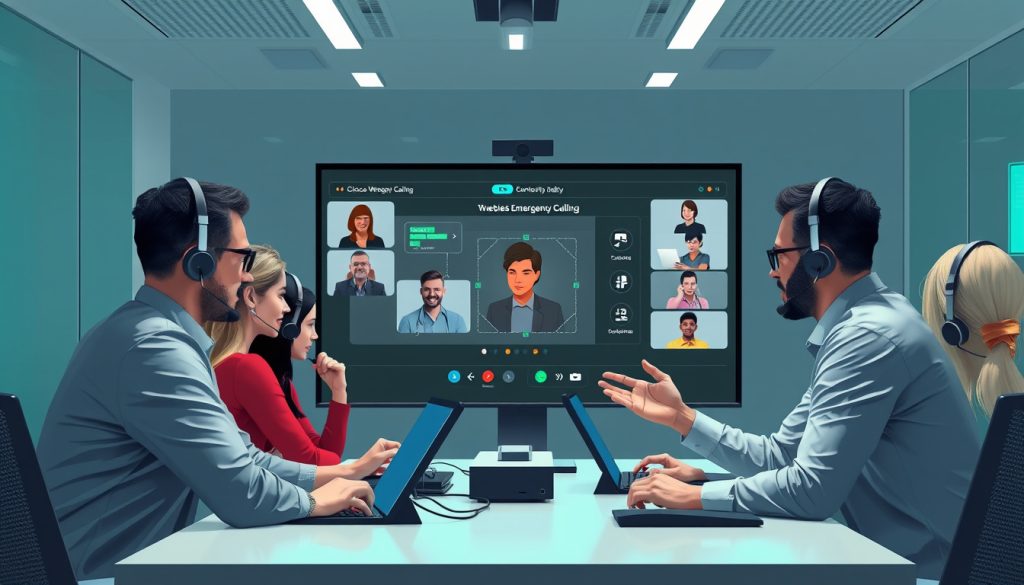
Emergency calling is a critical feature for businesses, ensuring safety and compliance while using communication platforms like Webex. In this guide, we will explore the importance of emergency calling in Webex, provide a step-by-step setup process, address common troubleshooting issues, and discuss best practices to maintain reliable emergency connectivity. Whether you’re in the legal, healthcare, or managed service industry, understanding these vital components will help you stay connected in emergencies.


Troubleshooting Common Issues with Webex Emergency Calling
When utilizing emergency calling features in Webex, it’s essential to be aware of common issues that may arise. One frequent problem is the inability to accurately locate a user’s physical address, which can result in emergency services being dispatched to the wrong location. To address this, ensure that all users’ locations are correctly entered and updated in the Webex Control Hub. Another potential issue is the configuration of call routing; if calls are not properly routed, users may experience delays or failures when dialing emergency services. Regularly reviewing and testing your emergency calling configuration can help identify misconfigurations. Additionally, network connectivity problems can impede emergency calls; therefore, maintaining a stable internet connection is crucial. If issues persist, consulting with your IT team or Webex support can provide further assistance and guarantee that your emergency calling system functions effectively.
Best Practices for Ensuring Reliable Emergency Connectivity in Webex
Ensuring reliable emergency connectivity with Webex Calling is critical for any organization, particularly in sectors like healthcare and legal that require immediate access to emergency services. To achieve this, start by verifying that your system is configured for Enhanced 911 (E911) service, which automatically identifies the caller’s location to dispatch emergency services effectively. Regularly update your emergency address information within your Webex settings to ensure accuracy, and conduct periodic drills to educate your team on how to use the emergency calling features. Additionally, consider implementing redundancy plans, such as backup internet connections, to maintain service availability during outages. By prioritizing these best practices, you can enhance safety and responsiveness within your organization.